Using Linux on Raspberry Pi: Projects and Ideas
Introduction
The Raspberry Pi is a versatile, credit-card-sized computer that runs Linux efficiently, making it perfect for DIY projects, home automation, and learning programming. Whether you’re a hobbyist, developer, or educator, Linux on Raspberry Pi unlocks endless possibilities.
In this guide, you’ll discover:
✔ Best Linux distros for Raspberry Pi
✔ Essential setup steps (OS installation, SSH, updates)
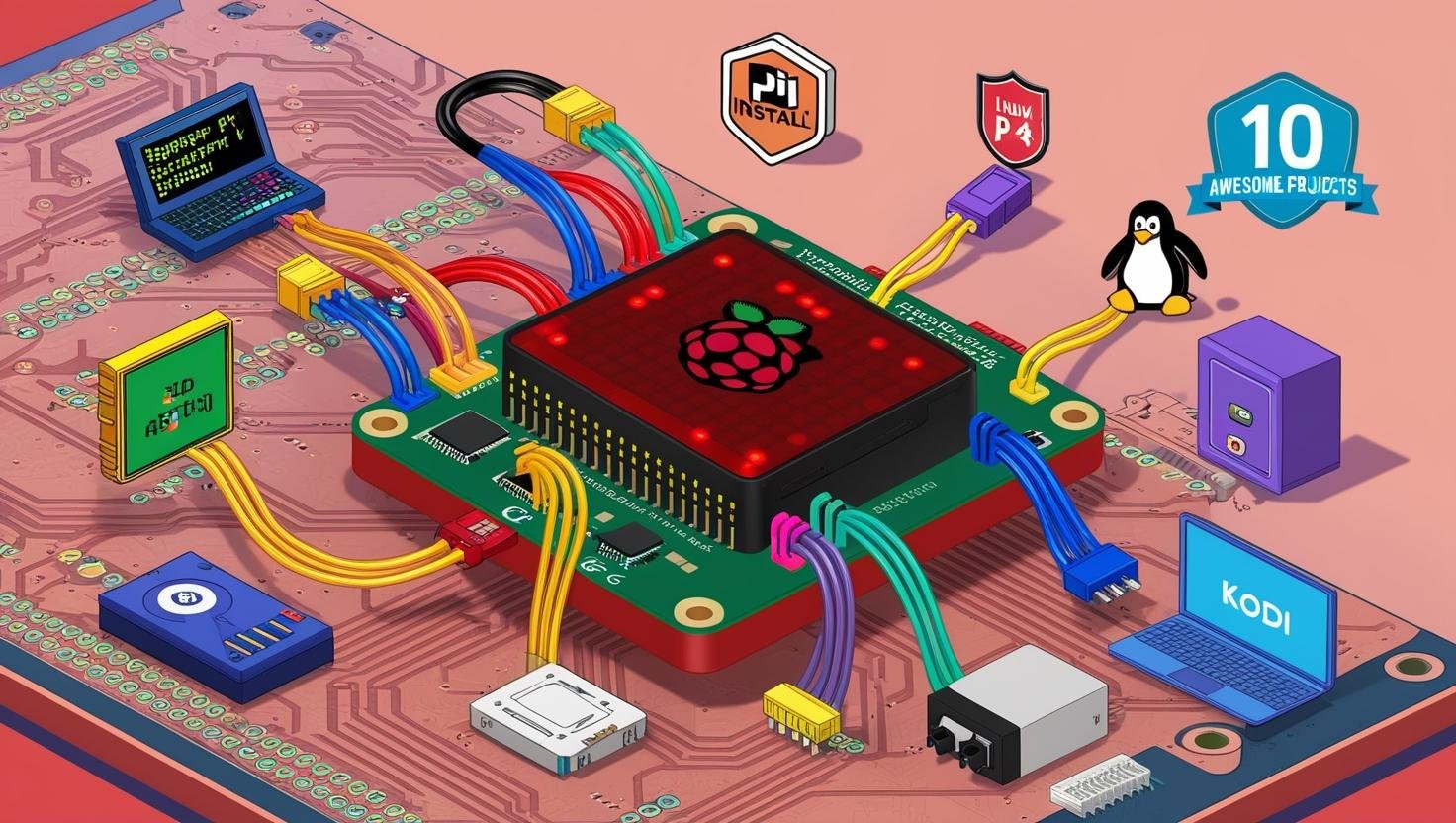
✔ 10 exciting Raspberry Pi projects
✔ Performance optimization tips
✔ Troubleshooting common issues
Let’s dive in and turn your Pi into a powerful Linux machine!
1. Best Linux Distributions for Raspberry Pi
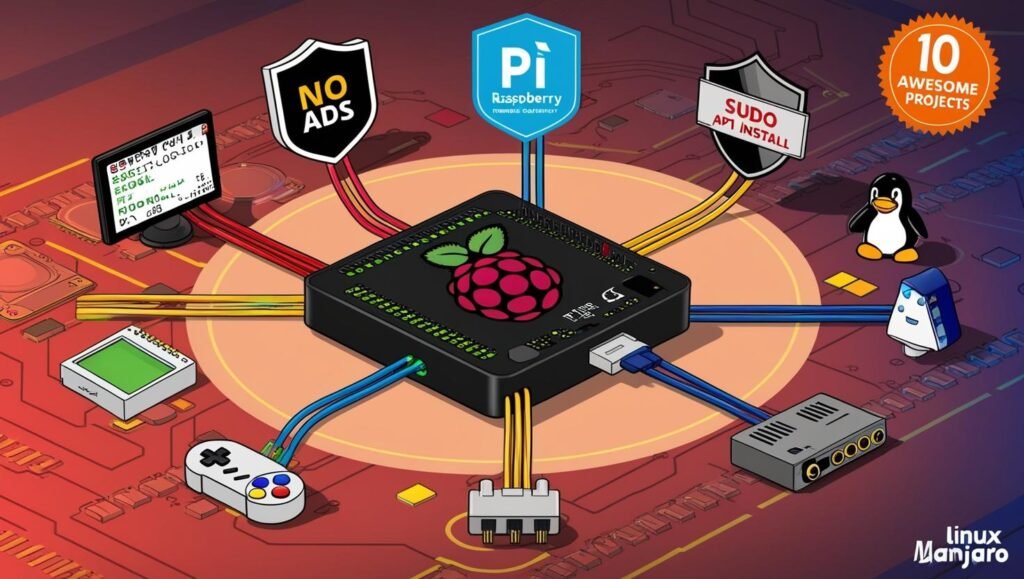
While Raspberry Pi OS (formerly Raspbian) is the default, many Linux distros are optimized for Pi:
| Distribution | Best For |
|---|---|
| Raspberry Pi OS | Beginners, general use |
| Ubuntu Server | Headless setups, cloud projects |
| Manjaro ARM | Lightweight desktop experience |
| Kali Linux | Cybersecurity & penetration testing |
| RetroPie | Retro gaming console |
Recommendation:
- New users → Raspberry Pi OS
- Advanced users → Ubuntu Server or Manjaro
2. Setting Up Linux on Raspberry Pi
Step 1: Install the OS
- Download a Linux distro (
.imgfile). - Flash it to a microSD card using Raspberry Pi Imager or BalenaEtcher.
- Insert the card into your Pi and power it on.
Step 2: Initial Configuration
- Set up Wi-Fi:bashCopyDownloadsudo raspi-config
- Enable SSH (for remote access):bashCopyDownloadsudo systemctl enable ssh
- Update packages:bashCopyDownloadsudo apt update && sudo apt upgrade -y
Step 3: Remote Access (Optional)
Use SSH to control your Pi from another computer:
bash
ssh pi@your-pi-ip
3. Top 10 Raspberry Pi Projects with Linux
1. Home Media Center (Kodi/OSMC)
- What it does: Stream movies, music, and TV shows.
- How to set up:bashCopyDownloadsudo apt install kodi
2. Retro Gaming Console (RetroPie)
- What it does: Play classic NES, SNES, and PlayStation games.
- Installation:bashCopyDownloadgit clone –depth=1 https://github.com/RetroPie/RetroPie-Setup.git
3. Personal Cloud Storage (Nextcloud)
- What it does: Self-hosted Dropbox alternative.
- Installation:bashCopyDownloadsudo apt install nextcloud
4. Network-Wide Ad Blocker (Pi-hole)
- What it does: Blocks ads on all devices.
- Installation:bashCopyDownloadcurl -sSL https://install.pi-hole.net | bash
5. Home Automation (Home Assistant)
- What it does: Control smart devices (lights, thermostats).
- Installation:bashCopyDownloaddocker run -d –name homeassistant -p 8123:8123 homeassistant/home-assistant
6. DIY VPN Server (WireGuard)
- What it does: Secure internet access anywhere.
- Installation:bashCopyDownloadsudo apt install wireguard
7. Weather Station (Python + Sensors)
- What it does: Monitor temperature, humidity.
- Hardware needed: DHT22 sensor.
8. Security Camera (MotionEyeOS)
- What it does: Motion-activated surveillance.
- Installation:bashCopyDownloadsudo apt install motion
9. Web Server (Apache/Nginx + PHP)
- What it does: Host a personal website.
- Installation:bashCopyDownloadsudo apt install apache2 php mysql-server
10. Minecraft Server
- What it does: Host a private Minecraft world.
- Installation:bashCopyDownloadsudo apt install openjdk-17-jdk wget https://launcher.mojang.com/v1/objects/…/server.jar
4. Optimizing Raspberry Pi Performance
✔ Overclocking (for advanced users) – Edit /boot/config.txt:
ini
over_voltage=2
arm_freq=1800
✔ Use an SSD instead of microSD (via USB boot)
✔ Disable unnecessary services:
bash
sudo systemctl disable bluetooth
✔ Install a lightweight desktop (LXDE instead of GNOME)
5. Troubleshooting Common Issues
Problem: Pi Not Booting
- Fix: Reflash the SD card or check power supply.
Problem: Slow Performance
- Fix: Reduce background processes or overclock.
Problem: Wi-Fi Drops
- Fix: Update firmware:bashCopyDownloadsudo rpi-update
Conclusion
The Raspberry Pi is a game-changer for Linux enthusiasts. You’ve learned:
✅ Best Linux distros for Pi
✅ How to set up and secure your Pi
✅ 10 awesome projects (from gaming to home automation)
✅ Performance tweaks & fixes
Next Steps:
- Pick one project and start building!
- Explore Docker on Raspberry Pi for easier deployments.
- Join Pi forums (raspberrypi.org) for support.
Turn your tiny computer into something extraordinary—happy tinkering!