Why Developers Love Linux: Tools, Customization, and Freedom
Introduction
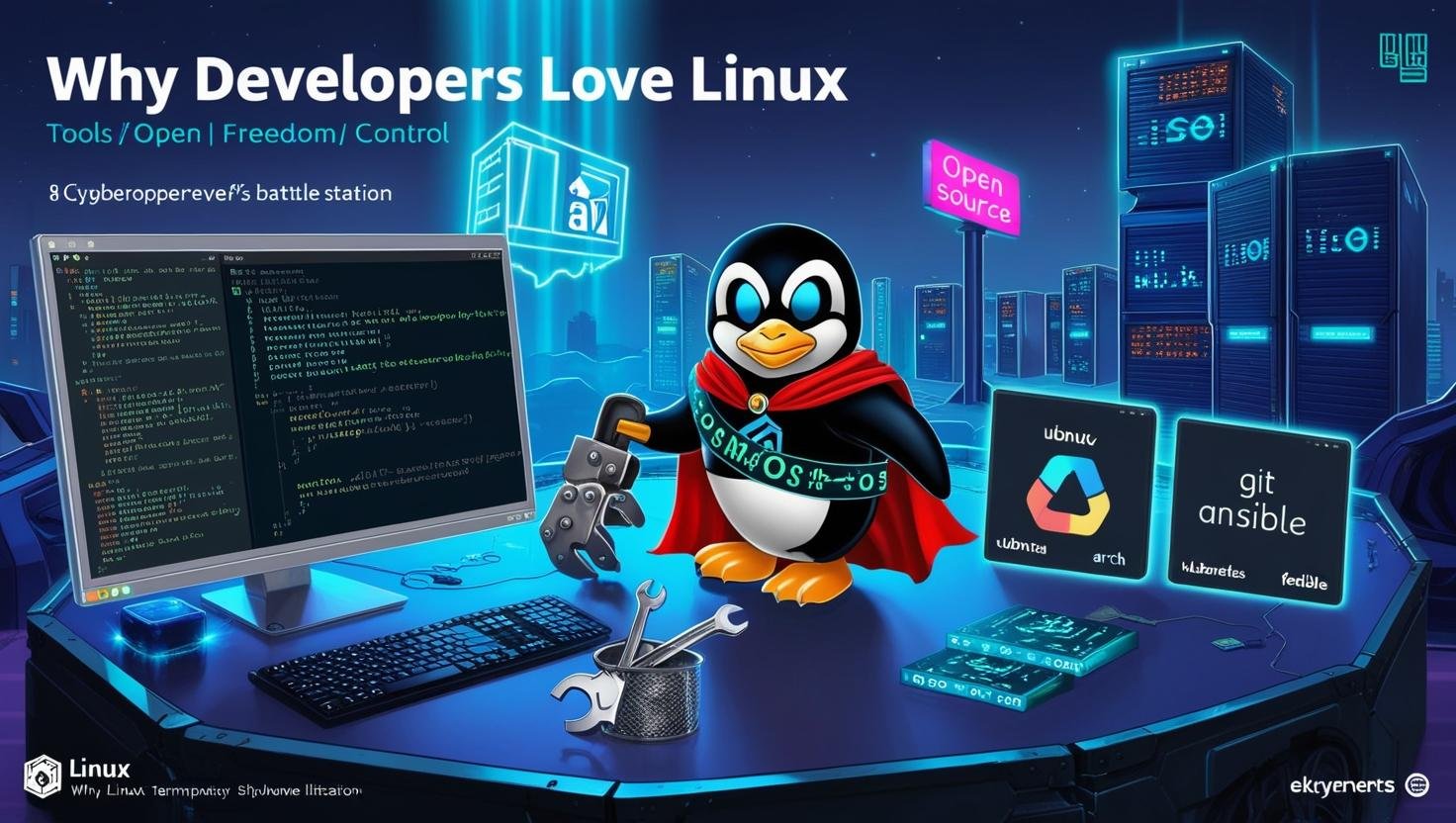
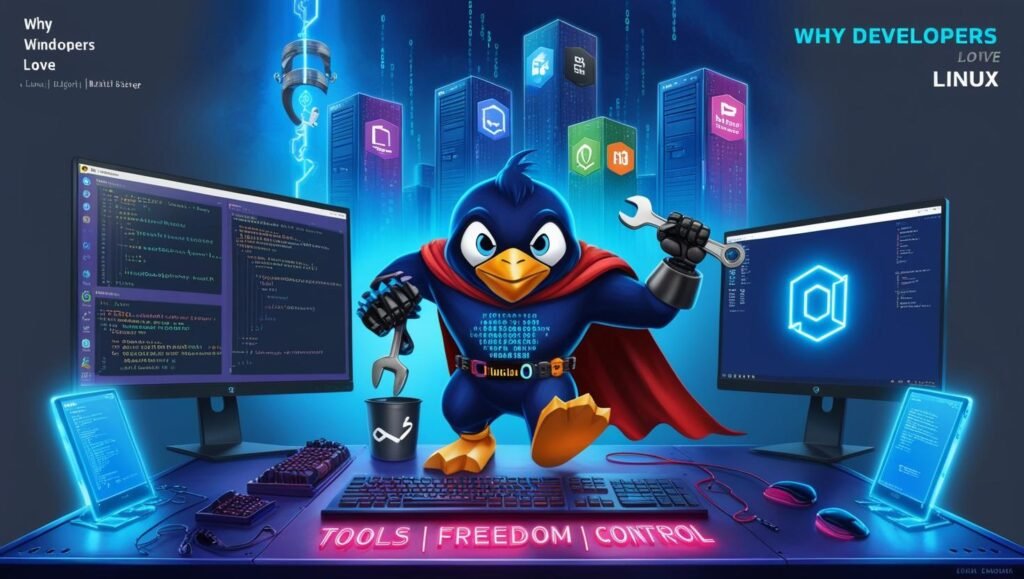
Linux has become the operating system of choice for developers worldwide. From beginners to seasoned professionals, developers flock to Linux for its powerful tools, unparalleled customization, and open-source freedom.
In this in-depth guide, we’ll explore:
✅ Why Linux Dominates Development Environments
✅ Essential developer tools available on Linux
✅ How customization boosts productivity
✅ The open-source advantage
✅ Real-world developer testimonials
By the end, you’ll understand why Linux isn’t just an OS—it’s a developer’s superpower.
1. Linux: The Ultimate Developer Playground
A. Built by Developers, for Developers
Unlike proprietary OSes, Linux is community-driven, meaning:
- No vendor lock-in – Modify and redistribute freely
- Access to cutting-edge tools – Latest compilers, languages, and frameworks
- Transparency – Inspect and tweak the OS itself
B. Native Support for Programming Languages
Linux supports all major programming languages out of the box:
- Python, Ruby, Perl (pre-installed on most distros)
- C/C++ (GCC/G++ included)
- Java, Go, Rust (easy installation via package managers)
- Node.js, PHP (optimized for server environments)
C. Superior Command-Line Experience
- Bash/Zsh – Powerful scripting and automation
- SSH & Remote Development – Native support for cloud/server workflows
- Tmux/Screen – Terminal multiplexing for multitasking
2. Must-Have Developer Tools on Linux
A. Code Editors & IDEs
| Tool | Best For |
|---|---|
| VS Code | General-purpose, extensions galore |
| Vim/Neovim | Lightweight, keyboard-driven editing |
| Emacs | Extensible Lisp-powered environment |
| JetBrains Suite | Full-featured IDEs (PyCharm, IntelliJ) |
B. Version Control & Collaboration
- Git (
gitcommand + GUIs like GitKraken) - GitHub CLI – Manage repos without leaving the terminal
C. Containerization & Virtualization
- Docker (Lightweight containers)
- Podman (Docker alternative, no daemon needed)
- KVM/QEMU – Full-system virtualization
D. System & Performance Tools
- htop – Process monitoring
- strace/ltrace – Debug system calls
- GDB – GNU Debugger for low-level troubleshooting
3. Customization: Tailoring Linux to Your Workflow
A. Window Managers & DEs
- Minimalist: i3, Sway (tiling WMs)
- Feature-rich: KDE Plasma, GNOME
- Keyboard-centric: AwesomeWM, Qtile
B. Dotfiles: Your Config, Anywhere
- Store configurations in a Git repo (
~/.config) - Sync across machines instantly
C. Kernel Tweaks for Performance
- Custom kernel builds (
linux-zenfor latency-sensitive tasks) - Realtime kernels for audio/dev work
4. The Open-Source Advantage
A. No Licensing Hassles
- Free to use (no activation, subscriptions)
- Auditable code – No hidden telemetry
B. Contribute to the Ecosystem
- Fix bugs in tools you use
- Create and share your own packages
C. Enterprise-Grade Stability
- RHEL, Debian Stable – Rock-solid for production
- Rolling Release (Arch, Tumbleweed) – Always up-to-date
5. What Developers Say About Linux
“Linux gives me complete control—I can strip it down to just what I need for embedded development.”
– Embedded Systems Engineer
“With Linux, my entire workflow is automated via scripts. It’s like having a personal dev assistant.”
– DevOps Specialist
“The package managers alone save me hours compared to Windows’ DLL hell.”
– Game Developer (Unity/Linux)
6. Getting Started as a Developer
Recommended Distros
| Use Case | Distro |
|---|---|
| Beginners | Ubuntu, Linux Mint |
| DevOps/Cloud | Fedora, Debian |
| Hardcore Customization | Arch Linux, Gentoo |
First 5 Commands to Run
bash
sudo apt update && sudo apt upgrade -y  # Debian/Ubuntu
sudo pacman -Syu                       # Arch
git --version                          # Check Git
python3 --version                      # Check Python
neofetch                               # System info
Conclusion: Why You’ll Love Linux Too
Developers choose Linux because it:
🔧 Provides the best tools (no bloat, just code)
🎨 Adapts to any workflow (WM, dotfiles, kernels)
🛠️ Encourages tinkering (open-source = endless possibilities)
Ready to switch? Install a developer-friendly distro today and experience the freedom!
FAQs
Q: Can I game on Linux as a developer?
A: Yes! Steam Proton supports 80%+ of Windows games.
Q: Best Linux laptop for coding?
A: ThinkPad (Linux-certified), Dell XPS, or Framework.
Q: How do Linux package managers beat Windows?
A: One command installs tools + dependencies (apt install python3-pip vs manual downloads).
Share your favorite Linux dev tools below!