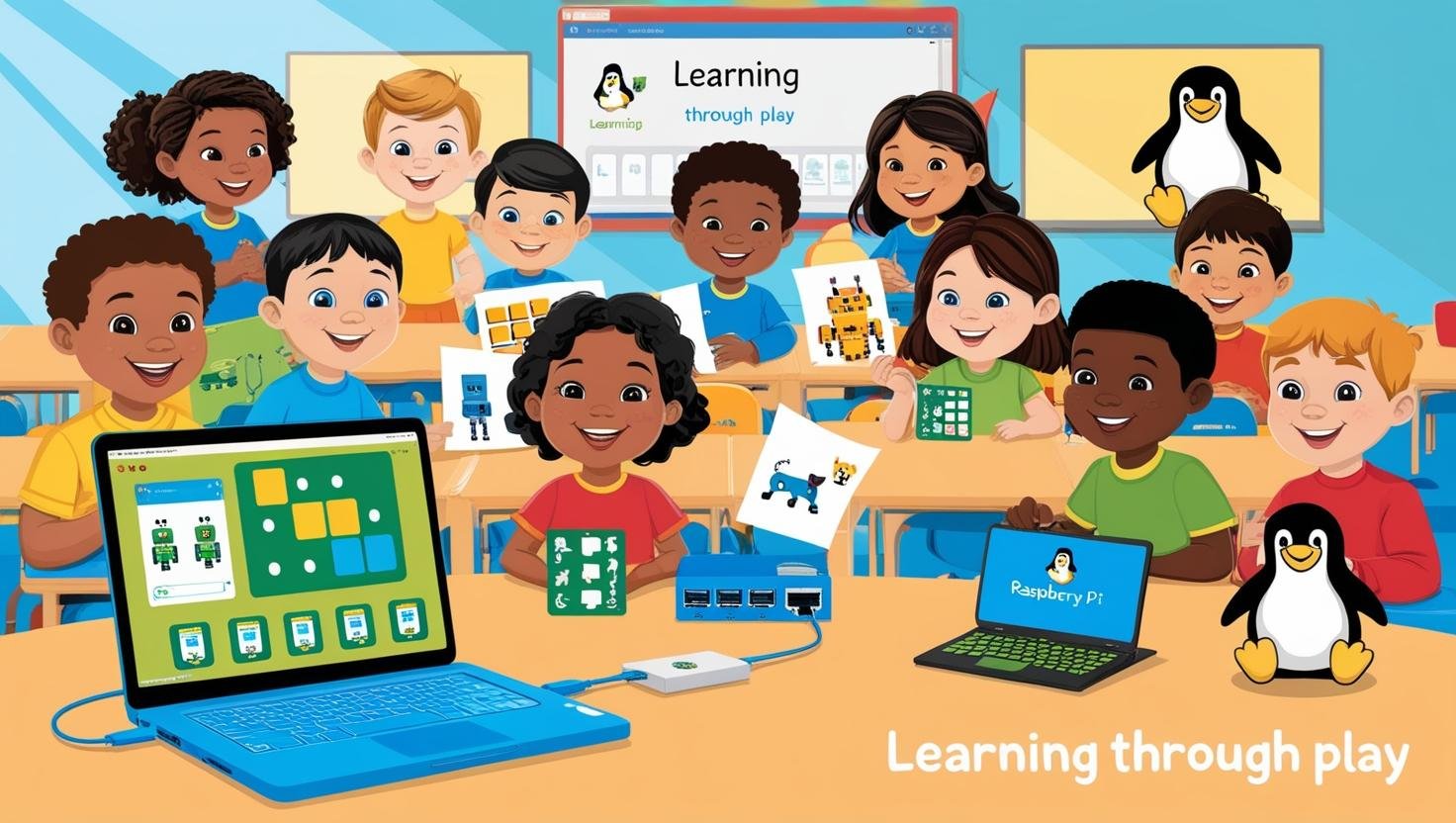
Linux for Kids: Teaching 5-Year-Olds Coding Through Play
Most parents introduce kids to technology through iPads and YouTube—but what if they could learn real computing skills while having fun? Linux offers a hidden world of educational tools that turn programming into playtime.
In this guide, we’ll explore:
- Tux Paint + Python Turtle – Where art teaches coding logic
- Minecraft modding via terminal – Sneaky command-line lessons
- Parental controls that respect privacy (No spying like Windows/Mac)
These methods prove even 5-year-olds can grasp Bash, Python, and networking basics—if you make it feel like a game.
1. Tux Paint Meets Python Turtle (Art → Code)
Why Start With Drawing?
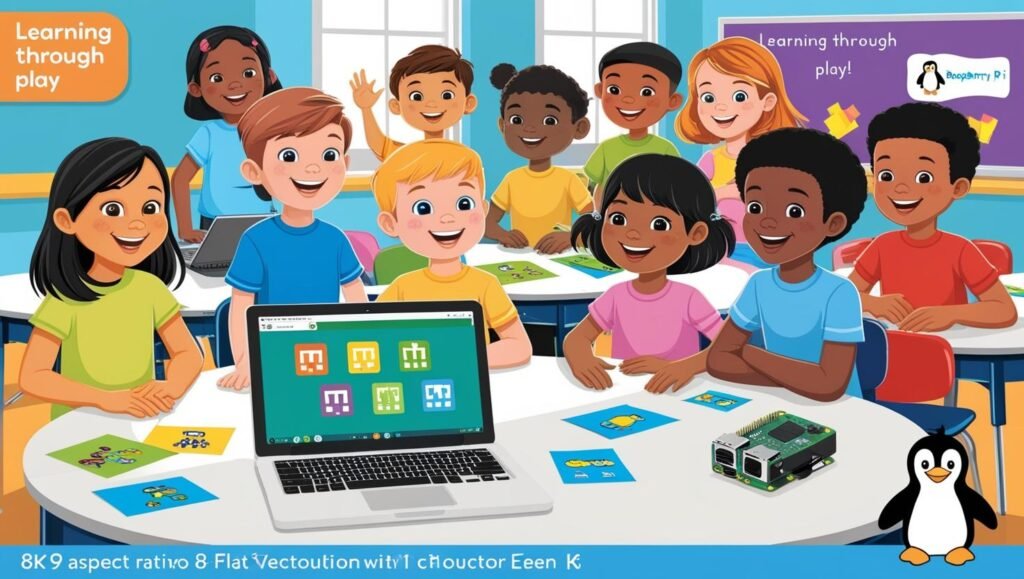
Young kids understand visuals before abstractions. Pairing Tux Paint (Linux’s kid-friendly drawing app) with Python Turtle creates a natural coding bridge:
- Tux Paint (Ages 3+):
- Simple interface with cartoon stamps
- Teaches mouse/keyboard coordination
- Open-source alternative to MS Paint
- Python Turtle (Ages 5+):
- Draw shapes by typing commands
- Introduces loops (
for i in range(4): forward(100) - Instant visual feedback
Example Lesson:
- Draw a house in Tux Paint
- Recreate it in Turtle with:
from turtle import *
forward(100)  # Draw walls
left(90)
forward(100)- Celebrate when the screen matches!
Distros with Both Preinstalled:
- Ubuntu MATE (Education Edition)
- Debian Jr.
2. Minecraft Modding via Linux Terminal
Why Minecraft?
It’s the Trojan Horse of coding education. On Linux, we skip the GUI mod installers and use:
- mcpi-api (Minecraft Pi Edition):
- Control blocks via Python
- Requires only basic terminal commands
python3 -m pip install mcpi  # Install
python3
>>> from mcpi.minecraft import Minecraft
>>> mc = Minecraft.create()
>>> mc.postToChat("Hello from Linux!")- Basic Bash Automation:
- Back up worlds with
tar - Launch servers with
./start.sh
Real 5-Year-Old Achievement:
“My kid learned cd and ls because he wanted to find his Minecraft saves.” – Reddit user
3. Parental Controls That Don’t Spy
The Problem With Commercial Apps
Windows/Mac parental tools often:
- Log keystrokes (creepy)
- Sell data (see Apple’s CSAM scandal)
- Break Linux compatibility
Linux Alternatives:
NextDNS + Pi-hole
- Blocks ads/trackers network-wide
- Filter content without profiling kids
- Logs stay local (unlike OpenDNS)
Setup:
# Pi-hole (on Raspberry Pi)
curl -sSL https://install.pi-hole.net | bash
# NextDNS (any device)
sudo apt install nextdns
nextdns config set -config=YOUR_ID
Time Limits via systemd
Enforce screen time with:
sudo systemctl enable --now pomodoro.service # 25-min sessionsBonus: More Kid-Friendly Linux Tools
| Skill | Tool | What It Teaches |
|---|---|---|
| Typing | Tux Typing | Keyboard familiarity |
| Math | GCompris | Numbers via mini-games |
| Electronics | Fritzing | Circuit diagrams |
| Robotics | Scratch + LEGO | Logic flows |
Why Linux Beats Tablets for Early Tech Education
- No Walled Gardens – Kids explore how computers really work
- Privacy by Default – No ads, no tracking
- Failure is Safe – Can’t break anything permanently
- Free Forever – No subscription traps
Starter Distro: Sugar on a Stick (Designed for ages 5-12)
Getting Started: A 1-Week Plan
Day 1: Install Ubuntu MATE + Tux Paint
Day 3: Draw shapes with Python Turtle
Day 5: Post a Minecraft message via terminal
Day 7: Set up Pi-hole together
Conclusion: Raising Hackers, Not Just Users
While schools push touchscreens, Linux lets kids graduate from consumers to creators. The terminal becomes their playground—not some scary black box.
Next Steps:
- Download GCompris
- Join Sugar Labs’ educator community
- Share your kid’s first
lsoutput in the comments!
📚 Further Resources
“The kids who learn grep before Instagram will inherit the future.” 🐧