Top 10 Linux Distributions for Beginners, Developers, and Power Users
Linux offers a diverse ecosystem of operating systems known as “distributions” (or distros). Whether you’re a beginner exploring Linux for the first time, a developer building applications, or a power user looking for complete control, there’s a Linux distro for you.
In this guide, we’ll explore the top 10 Linux distributions, categorized for beginners, developers, and power users, with brief descriptions to help you choose the right one.
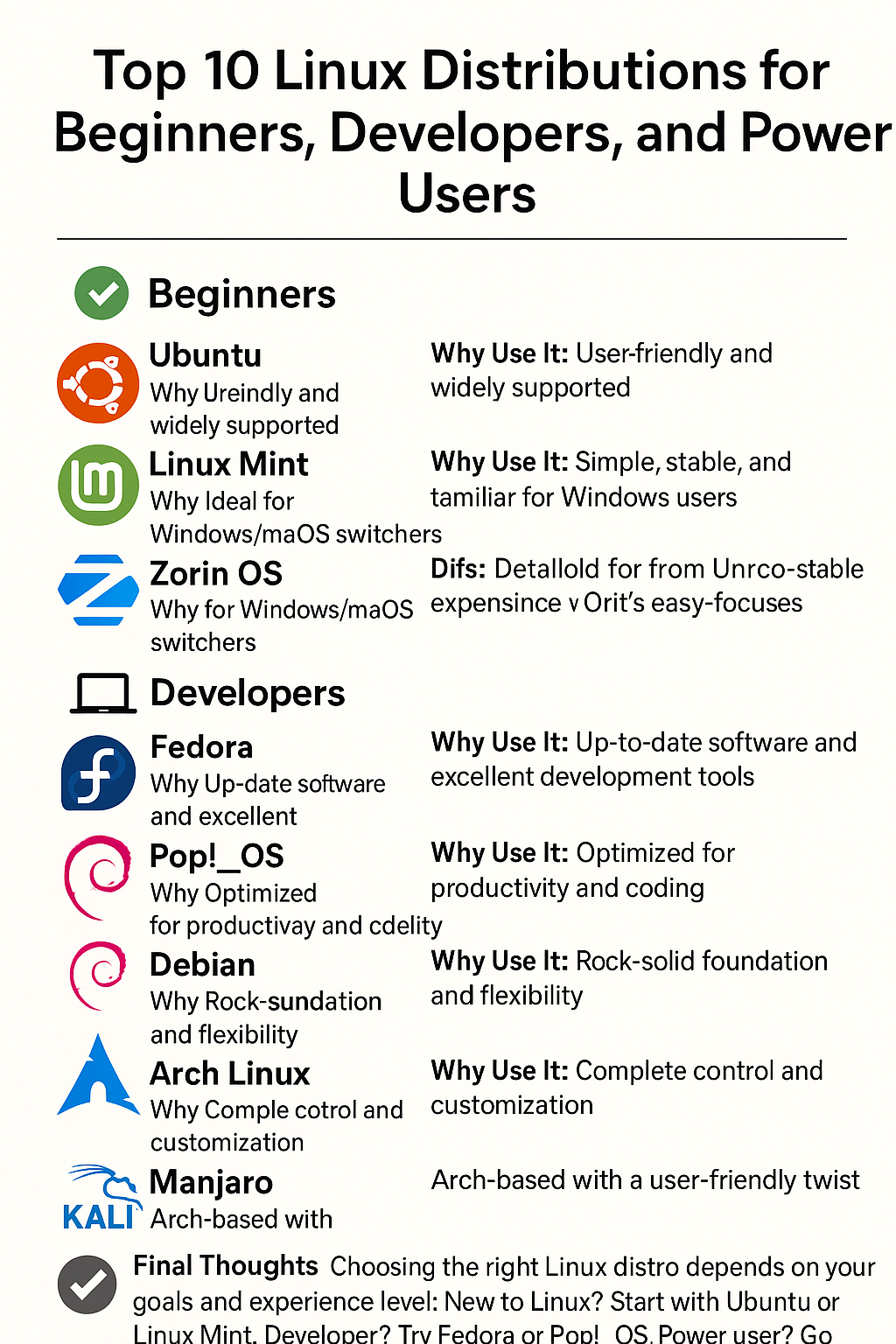
Beginners
Ubuntu
Why Use It: User-friendly and widely supported. Description: Ubuntu is the most popular Linux distro for newcomers. It features a clean and modern interface, frequent updates, and a large community that makes troubleshooting easy.
Linux Mint
Why Use It: Simple, stable, and familiar for Windows users
Description: Linux Mint offers a traditional desktop experience with a low learning curve. It’s lightweight and comes with essential software pre-installed.
Zorin OS
Why Use It: Ideal for Windows/macOS switchers
Description: Zorin OS is designed to look and feel like Windows or macOS. It’s highly polished, fast, and comes with layout presets to help new users feel at home.
Developers
Fedora
Why Use It: Up-to-date software and excellent development tools
Description: Fedora is backed by Red Hat and frequently receives cutting-edge packages. It’s a favorite among developers for its support of containers, programming tools, and security features.
Pop!_OS
Why Use It: Optimized for productivity and coding
Description: Developed by System76, Pop!_OS is ideal for developers, with great hardware support, tiling window management, and a developer-centric design.
Debian
Why Use It: Rock-solid foundation and flexibility
Description: Debian is known for its stability and is often used as a base for other distros. It’s excellent for developers who want a reliable system with full control.
Power Users
Arch Linux
Why Use It: Complete control and customization
Description: Arch is a minimalist, rolling-release distro that lets users build their system from the ground up. It’s best for experienced users who enjoy tinkering.
openSUSE Tumbleweed
Why Use It: Cutting-edge features with stability
Description: openSUSE Tumbleweed is a rolling-release distro offering the latest software and robust system tools like YaST, tailored for advanced users.
Manjaro
Why Use It: Arch-based with a user-friendly twist
Description: Manjaro makes Arch accessible by offering a guided installer and multiple desktop environments, while still providing powerful features under the hood.
Kali Linux
Why Use It: Security and penetration testing
Description: Kali Linux is built for ethical hackers and security pros. It comes pre-installed with hundreds of tools for penetration testing, digital forensics, and network analysis.
Final Thoughts
Choosing the right Linux distro depends on your goals and experience level:
– New to Linux? Start with Ubuntu or Linux Mint.
– Developer? Try Fedora or Pop!_OS.
– Power user? Go with Arch or openSUSE Tumbleweed.
Each distribution brings unique strengths, so explore and find the one that fits your workflow best.